S2Burger
Medium · no onion
S1Steak
Medium
Allergy · Sesame
BumpRecall
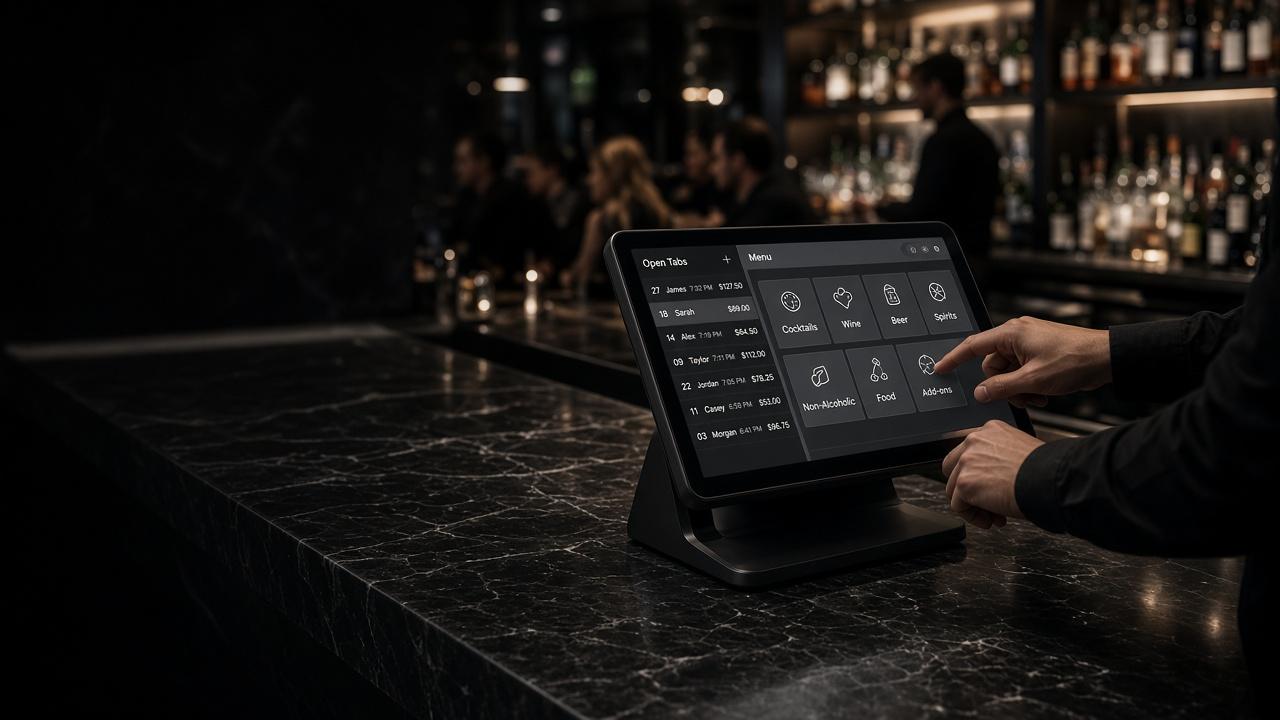
Custom point of sale
A custom point of sale built around how your restaurant or bar actually runs. We make it fit your business, not the other way around.
How it works
Tell us how you run. We build On Tab around your menu, your floor, and your workflow — then we set you up and stay with you.
You walk us through your menu, your floor, your rush, and the way your team actually works.
We tailor On Tab to that workflow and the features you need. If something is missing, we build it for you.
We get your team running, and you keep working with the same people who built it — including when you need something new.
The product
Your menu, your floor, your workflow, and the features you need — not a generic setup you have to work around.
We map tables to the room you actually have. Color shows what’s open, seated, and waiting on a check.
Order by seat. Split an appetizer across the table, then let each guest pay for their own seat. Split by seat, by item, or evenly. Move a check or a single item to another table or server.
Menu
Burger
Mods
Steak
Mods
Old Fashioned
Happy hour
Martini
Happy hour
Move
A party moves from the bar to a table. An item moves to another server. The check goes with them.
Bar tabs
Card holds
Close all tabs
Menus, modifiers, and happy hour can be set up the way you write them. Bar tabs open on a card hold, and you can close every tab still sitting on the rail at the end of the night.
Take card, cash, and gift cards. Guests choose a tip on their screen. Adjust a tip after, then send a text, email, or printed receipt.
Food routes to the kitchen and drinks to the bar on their own. Tickets show the seat, a red banner for allergies, and a timer. Bump when it’s up. Recall when it isn’t.
Works offline
If the connection drops, On Tab keeps ringing orders and taking cards. Everything syncs when you’re back online.
If you take orders on the restaurant’s own website, that can live in the same system as the close: a time clock, a payroll tab, labor, the cash drawer, customer profiles, and the reports you end the night with.
Built with you
The same people who tailor On Tab to your business set you up, stay the ones you call, and build new features when you need them.
Your system
Tailored to how you actually run
New features
Built for you, not a generic roadmap
When you call
The people who built it, in one conversation
Demo
Tell us how you run. We’ll follow up to talk through a system that fits.